You control menu updates
Change dishes and prices when the kitchen changes — no ticket to a developer.
Stuck with an outdated site, a provider you cannot reach, or an agency bill for every menu change? My Place lets you rebuild on a hospitality-focused platform you control — using your venue details as a starting point.
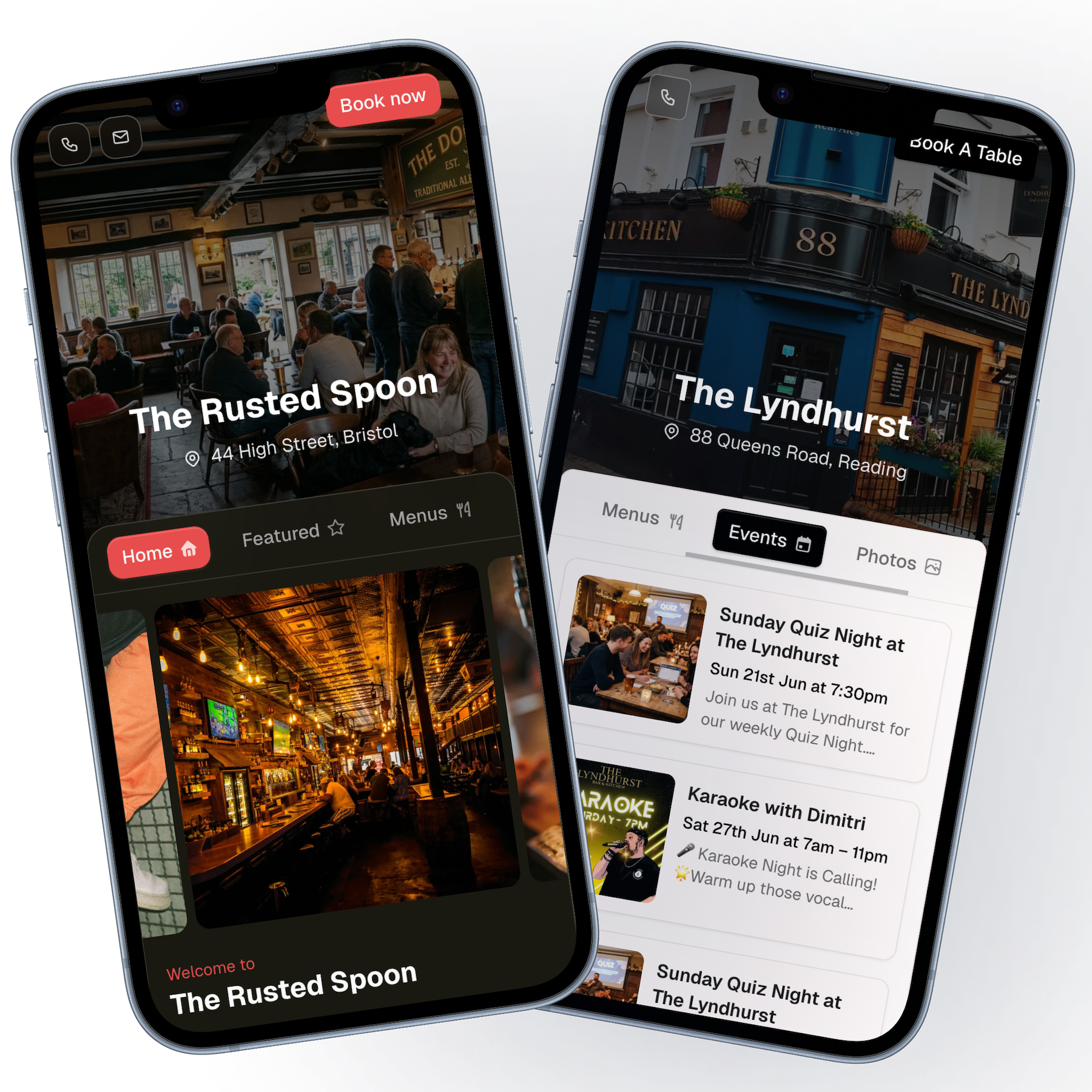
If any of these sound familiar, it may be time to move.
See how others present themselves in our pub website examples or compare the website builder for pubs.
A site you can maintain day to day, not just on launch day.
Change dishes and prices when the kitchen changes — no ticket to a developer.
Add or remove listings when the programme moves on.
Point buttons at your reservation platform, phone, or enquiry form.
We handle the technical side so you focus on content.
Invite team members to help with updates during busy periods.
What switching actually looks like — no promised zero-downtime migration.
Look up your pub, customise the draft, and add menus, events, and photos. Preview on a My Place link before you switch.
Confirm hours, contact details, booking links, and menus read correctly on mobile.
On Pro, connect your domain and update DNS when you are happy to send traffic to the new site. Keep the old site until then if you need to.
Tools pub operators rely on after they have moved.
Take a photo or upload a PDF of your printed menu. My Place reads sections, dishes, and prices to give you a head start in the editor.
Run several menus, move sections around, and attach a PDF when you need one. All live on the same menus page your guests already use.
Promote gigs, quizzes, screenings, and one-off nights on your events page, with a featured section for the highlights.
Start on a My Place link straight away, then connect your own domain when you are ready, with no rebuild required.
Build a contact or enquiry form, share the link, and read replies in the same place you manage everything else.
Keep opening times accurate on your site and contact page. Set regular hours and special schedules for bank holidays.
Honest answers about domains, content, and switching.
Look up your venue, rebuild at your own pace, and try it free before you point your domain.